GUI Journey: Planner Export to vLLM Flags
This page documents the export-gui-vllm journey, which exercises the Planner export pipeline — fixture loading, Export menu, vLLM flag modal, and clipboard copy.
Overview
Journey ID: export-gui-vllmStatus: Implemented (placeholder artefacts — real recording pending on user Mac) Last Updated: 2026-04-19
What you'll see
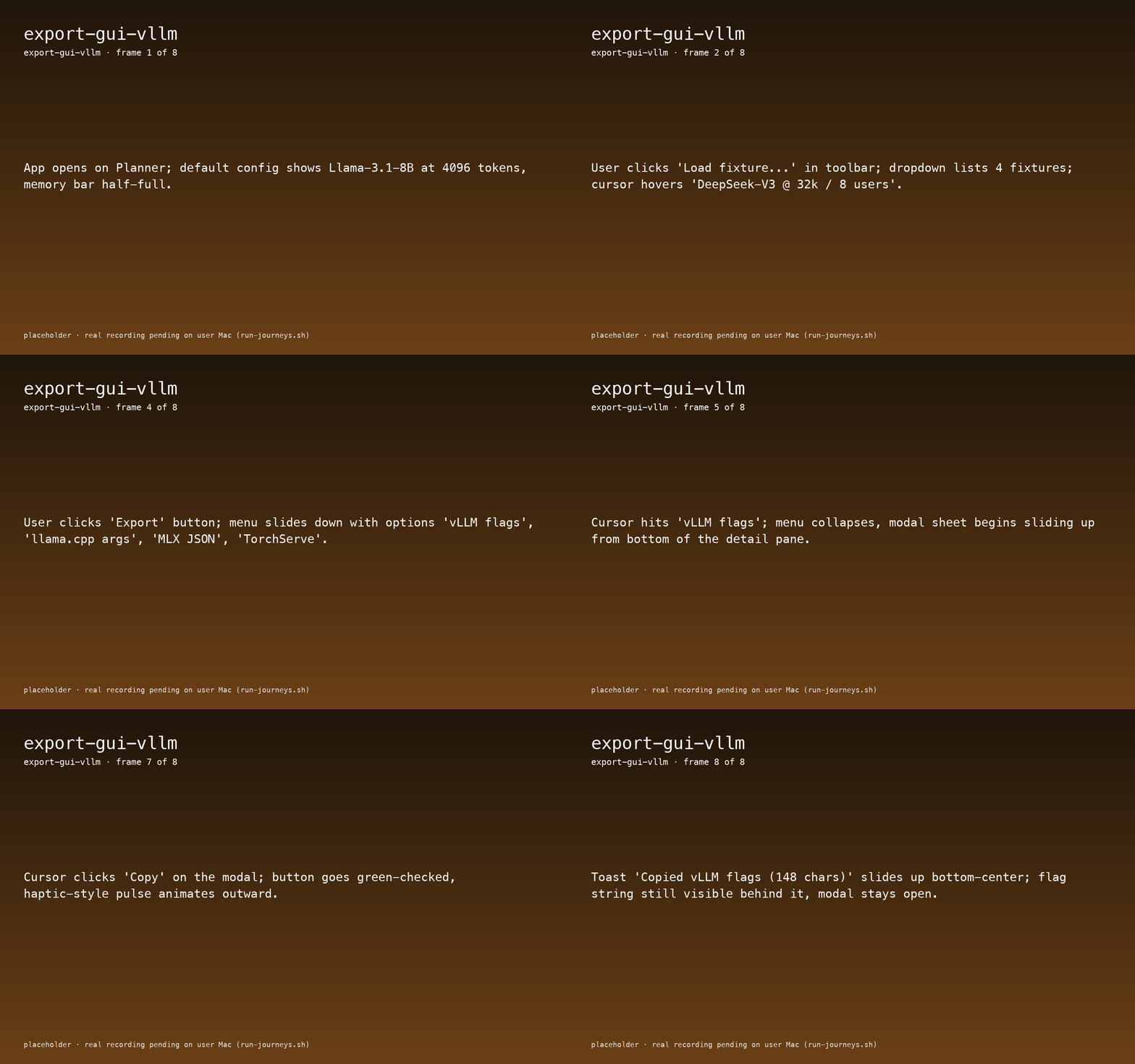
- Planner opens at defaults (Llama-3.1-8B, 4096 tokens).
- User clicks Load fixture...; dropdown lists 4 fixtures; the DeepSeek-V3 @ 32k / 8 users entry is selected.
- Fixture loads: seq-len slider jumps to 32768, users slider to 8, stacked bar recomputes showing 71.4 GB VRAM total.
- User clicks Export — menu slides down with vLLM flags, llama.cpp args, MLX JSON, TorchServe.
- Selecting vLLM flags opens a modal sheet containing a monospaced flag string starting
--model deepseek-v3 --max-model-len 32768 --max-num-seqs 8 --gpu-memory-utilization 0.92 --dtype bf16 .... - Copy pulses green-checked and a bottom-center toast reads
Copied vLLM flags (148 chars).
Journey not yet recorded.
Run the journey recorder to capture interactions:
./apps/macos/HwLedgerUITests/scripts/run-journeys.shWhat to watch for
- Flag-string parity — the modal string must match what
hwledger plan --export vllmemits on the CLI for the same fixture. This is the visual half ofFR-PLAN-007. - Recompute before export — the stacked bar recomputes after fixture load before the Export menu opens; exporting stale totals is a bug.
- Toast timing — the toast fires only after the clipboard write succeeds; the modal stays open so the user can re-copy if they missed it.
Reproduce
bash
cd apps/macos/HwLedgerUITests
./scripts/bundle-app.sh --no-codesign debug

swift test --filter ExportVLLMJourneyTests/testExportGUIVLLM

cd ../../..
bash docs-site/scripts/sync-journey-artefacts.sh