GUI Journey: Fleet Map Agent Discovery
This page documents the fleet-gui-map journey, which exercises the Fleet Map canvas — agent nodes appearing, gossip handshake pulses, and the host detail side panel.
Overview
Journey ID: fleet-gui-mapStatus: Implemented (placeholder artefacts — real recording pending on user Mac) Last Updated: 2026-04-19
What you'll see
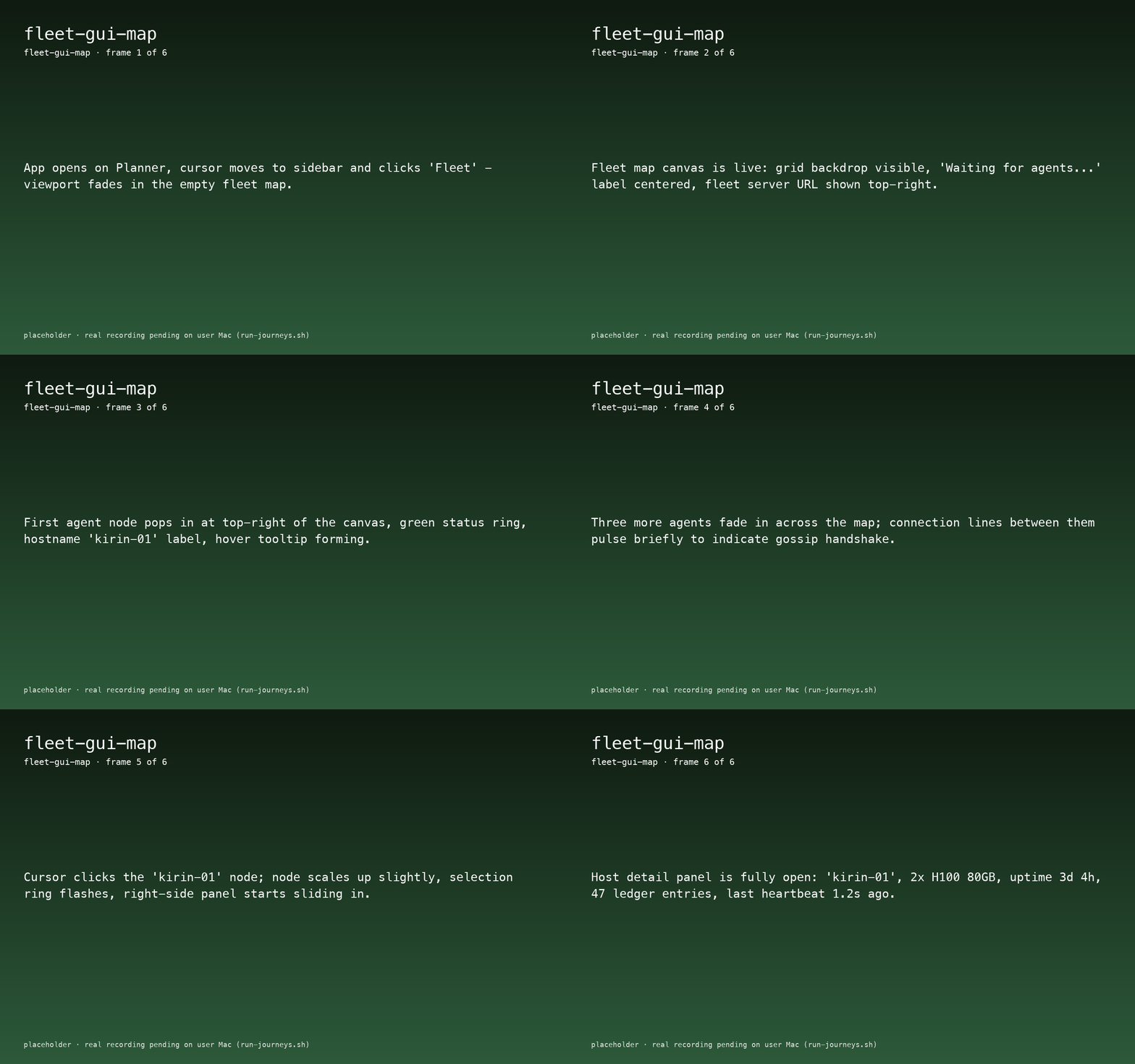
- App opens on Planner; cursor clicks Fleet in the sidebar.
- Fleet Map canvas fades in empty: grid backdrop, "Waiting for agents..." label, fleet server URL top-right.
- First agent (
kirin-01) pops in at the top-right of the canvas with a green status ring. - Three more agents fade in around the map; connection lines pulse briefly between them to visualise gossip handshake.
- User clicks
kirin-01— it scales, its selection ring flashes, and the right-side host detail panel slides in showing 2× H100 80GB, uptime 3d 4h, 47 ledger entries, last heartbeat 1.2s ago.
Journey not yet recorded.
Run the journey recorder to capture interactions:
./apps/macos/HwLedgerUITests/scripts/run-journeys.shWhat to watch for
- Node spawn cadence — nodes should appear in the same order
hwledger fleet watchreports them in the CLI; the UI is a thin view over the same gossip stream. - Connection-line pulses — visualise the handshake only; they should fade within ~800 ms and not re-pulse on every heartbeat.
- Host detail panel — slides in without covering the selected node; the node remains highlighted while the panel is open.
Reproduce
bash
cd apps/macos/HwLedgerUITests
./scripts/bundle-app.sh --no-codesign debug

swift test --filter FleetMapJourneyTests/testFleetGUIMap

cd ../../..
bash docs-site/scripts/sync-journey-artefacts.sh