GUI Journey: Settings mTLS Admin Cert
This page documents the settings-gui-mtls journey, which exercises the mTLS admin flow in Settings — generating an admin client cert and copying its PEM to clipboard.
Overview
Journey ID: settings-gui-mtlsStatus: Implemented (placeholder artefacts — real recording pending on user Mac) Last Updated: 2026-04-19
What you'll see
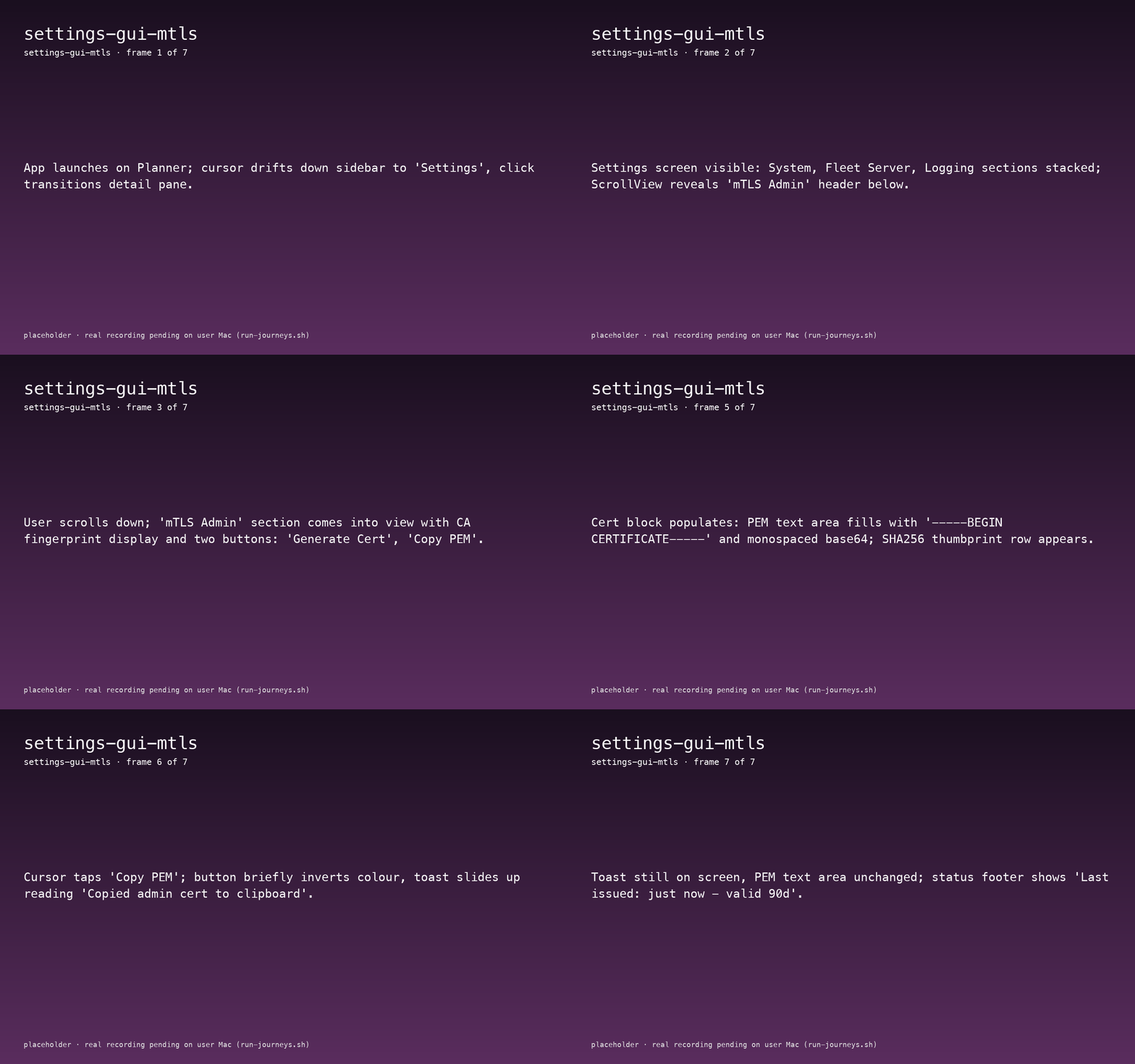
- App launches on Planner; cursor moves down the sidebar to Settings.
- Settings opens on the System section; user scrolls down past Fleet Server + Logging until mTLS Admin is in view.
- "Generate Admin Cert" shows a spinner and a status line
issuing cert, CN=admin@local .... - PEM text area populates with
-----BEGIN CERTIFICATE-----block and a SHA256 thumbprint row. - User clicks Copy PEM; button inverts briefly and a bottom-center toast reads
Copied admin cert to clipboard. - Footer updates:
Last issued: just now — valid 90d.
Journey not yet recorded.
Run the journey recorder to capture interactions:
./apps/macos/HwLedgerUITests/scripts/run-journeys.shWhat to watch for
- Cert issuance feedback — the button's spinner should disappear and the PEM area should populate in a single state flip; no intermediate "empty" PEM.
- Clipboard action — the toast only appears after the clipboard write actually succeeds. If the user revokes Pasteboard access the toast must switch to an error variant (not silently succeed).
- Validity footer — reflects the issuance policy (
FR-MTLS-003/ WP22 mTLS admin).
Reproduce
bash
cd apps/macos/HwLedgerUITests
./scripts/bundle-app.sh --no-codesign debug

swift test --filter SettingsMTLSJourneyTests/testSettingsGUIMTLS

cd ../../..
bash docs-site/scripts/sync-journey-artefacts.sh